QR Code Generator
Text or URL → QR Code
Create downloadable QR codes from URLs, plain text, email addresses, contact details, and other everyday information.
Create downloadable QR codes from URLs, plain text, email addresses, contact details, and other everyday information.
About this tool
QR Code Generator is a free tool for creating static QR codes from URLs and text. QR codes make it easy for people to open a website, read information, send an email, or access contact details from a phone camera. Enter the content, generate the code, test it with a scanner, and download the image for your campaign or project.
Paste a URL, message, email address, contact details, or other text into the generator.
Create a QR code from the content you entered.
Scan the preview with a phone to confirm that the encoded content works correctly.
Save the generated code for digital publishing or print production.
Turn a URL or text string into a scannable QR code in seconds.
Create codes for websites, menus, events, Wi-Fi details, contact information, and more.
The generated code directly stores the supplied content and does not depend on a subscription.
Save a QR image for websites, flyers, posters, packaging, or presentations.
Create scannable links for business, marketing, events, and everyday sharing
Give printed readers a quick way to open a landing page or campaign URL.
Example: Add a QR code to a flyer that opens a product landing page.
Link customers to menus, booking pages, ordering forms, or service information.
Example: Place a QR code on a restaurant table card linking to the current menu.
Share registration pages, schedules, maps, and digital event resources.
Example: Print a QR code on an event badge that opens the attendee schedule.
Make it easier to share email addresses, phone numbers, or contact information.
Example: Create a code for a business card that opens a contact page.
Handle quick personal and professional tasks without switching to specialized desktop software.
Example: Open the tool in a browser whenever you need a quick result from your laptop or tablet.
Add the tool to repeatable workflows for documents, media, presentations, and creative assignments.
Example: Use the tool as one step in preparing an asset for a report, class project, or client deliverable.
Make your codes easy to scan in print and on screens
Scan the downloaded image from the final size and material to confirm reliable recognition.
Dark modules on a light background are generally easiest for phone cameras to read.
Keep clear space around the code so surrounding text or graphics do not interfere with scanning. Create a Barcode.
Retain the original file or input until you have checked and accepted the exported result.
Check the final output for errors, unexpected changes, or information that should not be published.
Reuse the same preferred options when processing a series of files for a consistent result.
Featured on
Trusted by millions worldwide
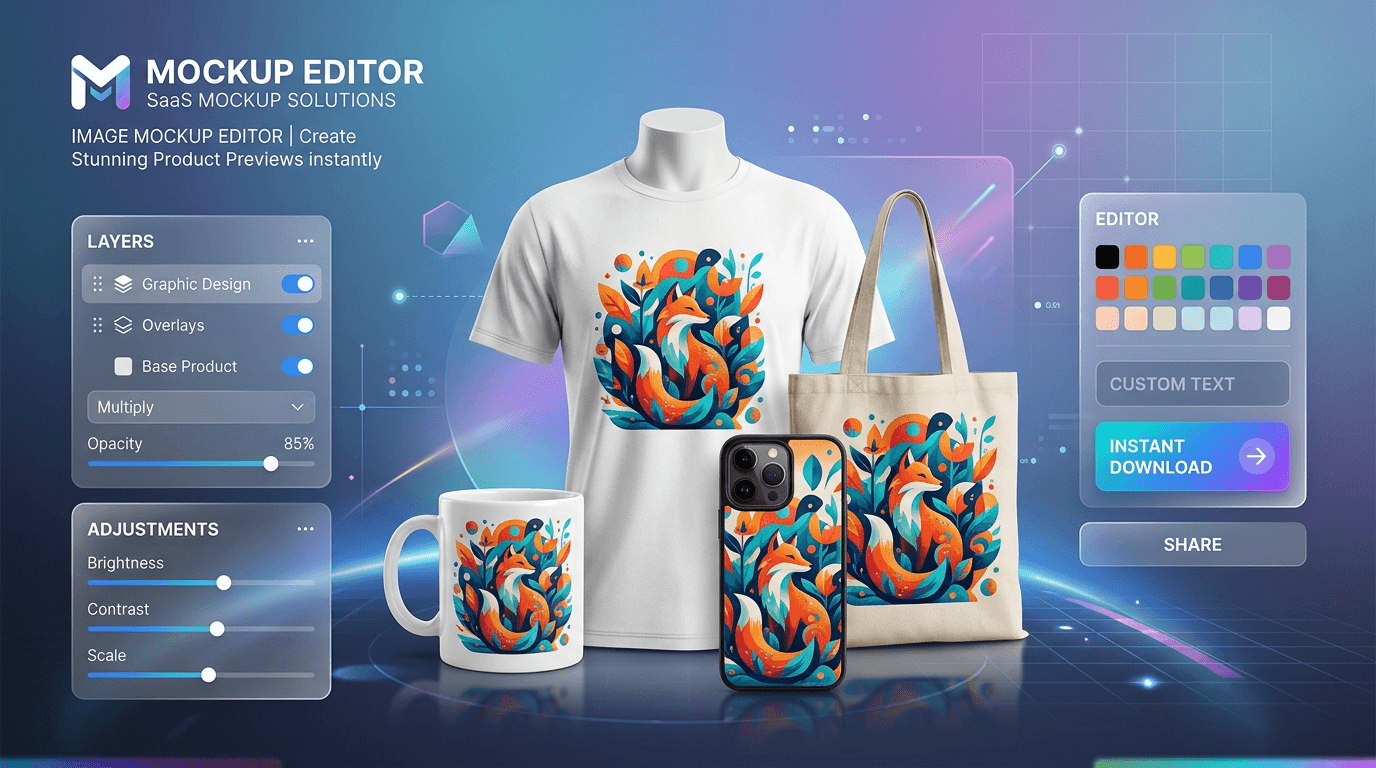
Learn how to create product mockups online for free without expensive software. Place your designs onto T-shirts, mugs, phone cases, and packaging with automated AI background removal and realistic layer blending—100% free with no watermarks.
Read article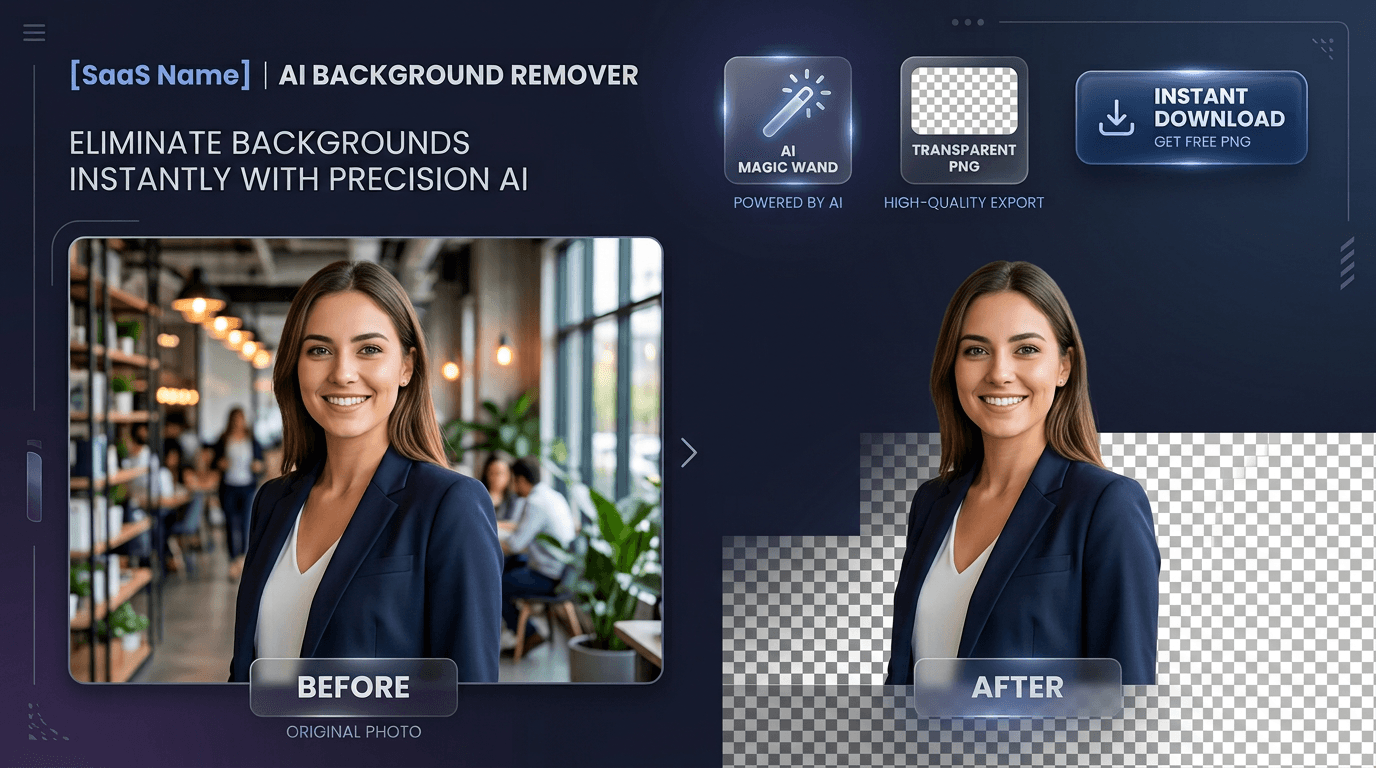
Learn how to edit PDF files online for free without expensive software or privacy risks. Add text, signatures, images, highlights, and redact confidential data 100% privately in your browser with zero file uploads and no watermarks
Read articleA comprehensive breakdown of traditional image formats, their compression methods, and their ideal use cases on the web.
Read article





