Blur Image
Image → Blurred Image
Apply adjustable blur to photos and graphics to protect private details, soften backgrounds, or create a polished visual effect.
Apply adjustable blur to photos and graphics to protect private details, soften backgrounds, or create a polished visual effect.
About this tool
Blur Image is a free online image filter for softening photos, obscuring sensitive visual details, and creating background effects. Upload an image, choose the blur strength, preview the result, and download the processed file. The filter is applied locally in your browser, keeping the original image on your device.
Choose the photo or graphic you want to soften or obscure.
Move the intensity control until the effect matches your goal.
Zoom in on important details to make sure the privacy effect is strong enough.
Export the processed image for sharing or publishing.
Choose the amount of softness that fits your photo or privacy need.
Obscure details in an image without uploading it to an external service.
Create a simple depth-of-field style effect for photos and graphics.
Blur images without installing editing software or creating an account.
Soften backgrounds and obscure details with a private browser filter
Obscure identifying details before sharing a screenshot or photograph.
Example: Blur a screen capture before posting it publicly in a support forum.
Add a quick soft-focus effect to make the subject stand out.
Example: Apply a moderate blur to a busy background behind a product photo.
Reduce distractions or protect bystanders in images prepared for social media.
Example: Blur background faces in a crowd photo before publishing it.
Create atmospheric image backgrounds for slides, banners, and landing pages.
Example: Blur a photograph behind headline text in a presentation cover.
Handle quick personal and professional tasks without switching to specialized desktop software.
Example: Open the tool in a browser whenever you need a quick result from your laptop or tablet.
Add the tool to repeatable workflows for documents, media, presentations, and creative assignments.
Example: Use the tool as one step in preparing an asset for a report, class project, or client deliverable.
Review the final export carefully before sharing sensitive images
For privacy, zoom in and confirm that names, faces, numbers, and other details cannot be recognized.
Save an untouched copy before exporting a blurred version so you can make future edits.
A blur that looks effective in a thumbnail may reveal details when the image is viewed at its original size. Sharpen Image.
Retain the original file or input until you have checked and accepted the exported result.
Check the final output for errors, unexpected changes, or information that should not be published.
Reuse the same preferred options when processing a series of files for a consistent result.
Featured on
Trusted by millions worldwide
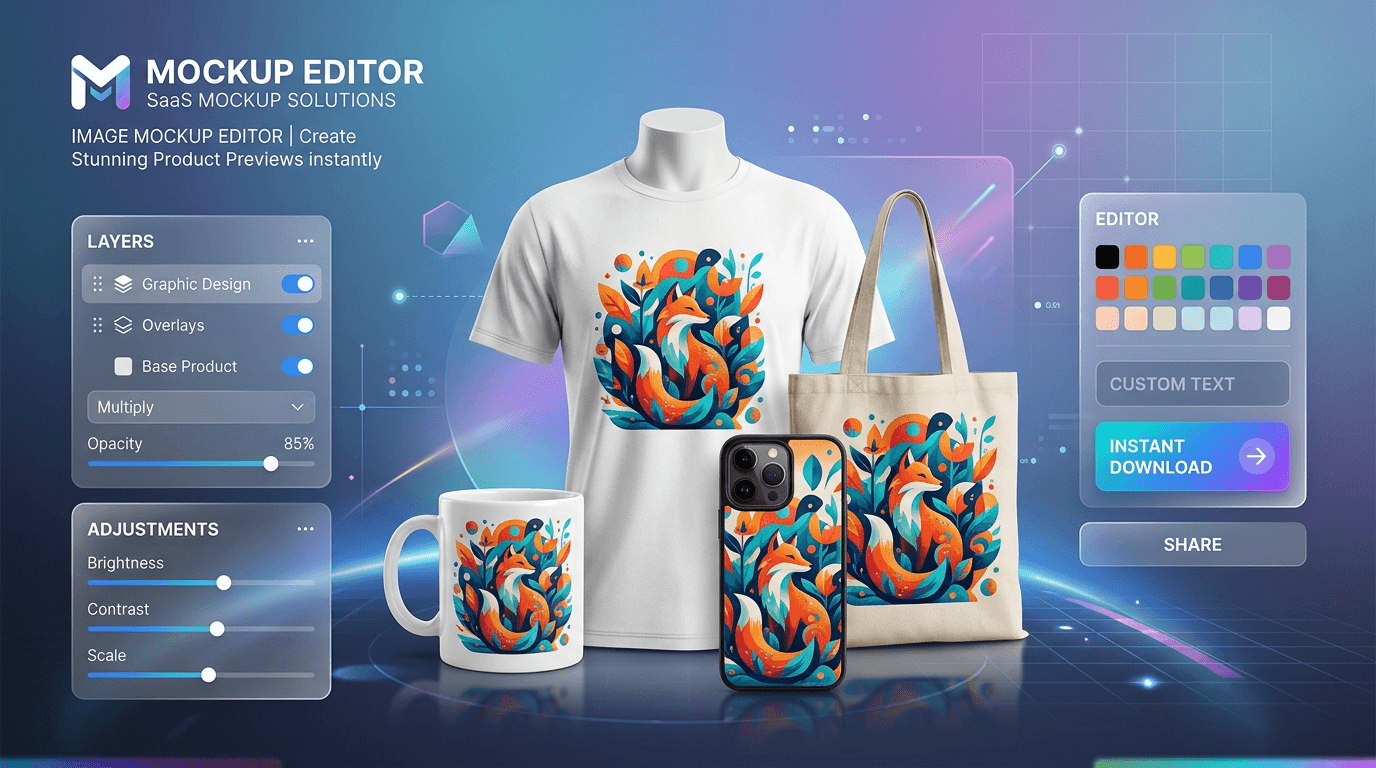
Learn how to create product mockups online for free without expensive software. Place your designs onto T-shirts, mugs, phone cases, and packaging with automated AI background removal and realistic layer blending—100% free with no watermarks.
Read article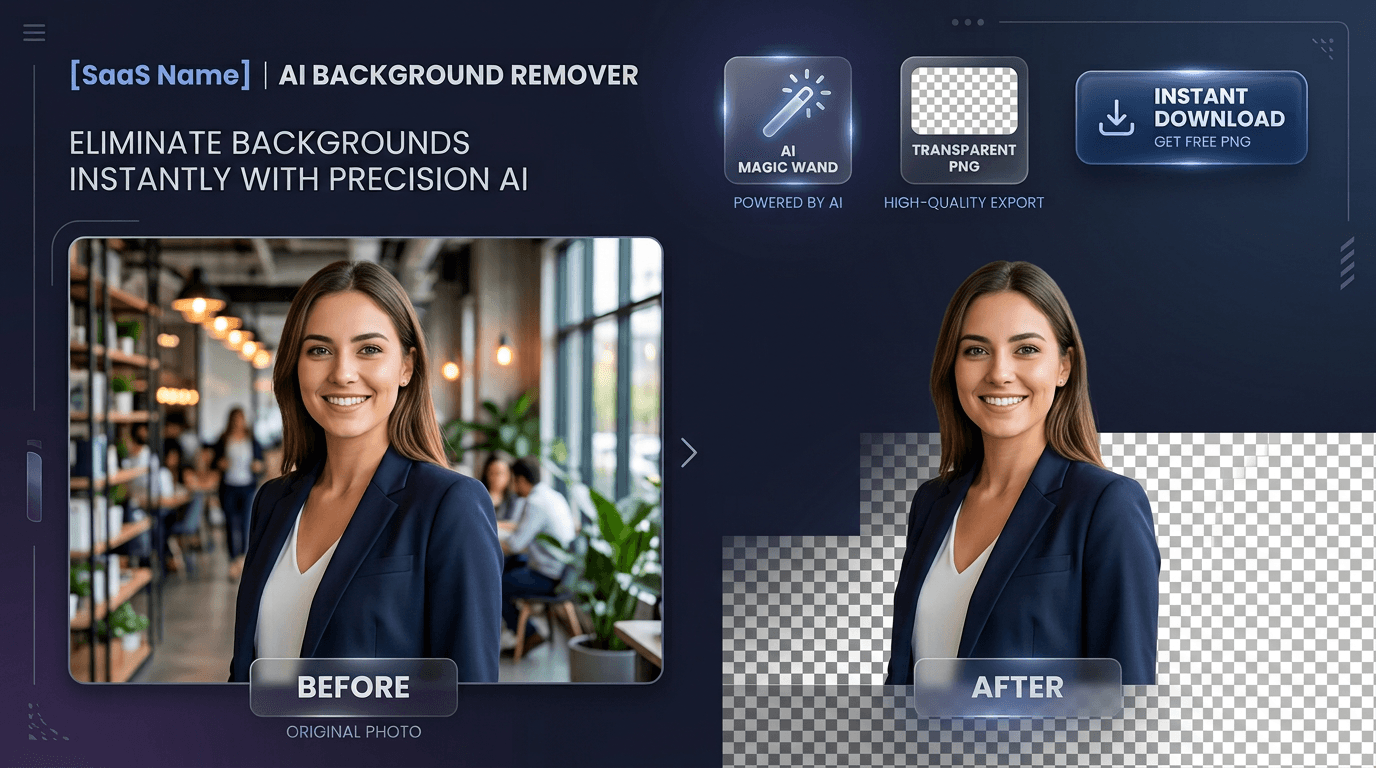
Learn how to edit PDF files online for free without expensive software or privacy risks. Add text, signatures, images, highlights, and redact confidential data 100% privately in your browser with zero file uploads and no watermarks
Read articleA comprehensive breakdown of traditional image formats, their compression methods, and their ideal use cases on the web.
Read article




