Crop Image
Image → Image
Crop photos and graphics to remove unwanted areas, focus attention, or prepare images for social media, documents, and websites.
Crop photos and graphics to remove unwanted areas, focus attention, or prepare images for social media, documents, and websites.
About this tool
Crop Image is a free browser-based image editing tool for removing unwanted edges, improving composition, and preparing photos for websites, documents, profiles, and social media. Upload an image, select a crop area or preset ratio, preview the result, and download the finished image. Processing takes place locally in your browser, so your photos are not sent to a server.
Drag and drop an image into the tool or select one from your device.
Move and resize the crop box, or select a preset aspect ratio.
Check the composition and make any final adjustments before exporting.
Export the cropped image and use it wherever you need it.
Select exactly the part of an image you want to keep with an intuitive crop box.
Prepare square, portrait, landscape, and social-media-ready images quickly.
Crop images without installing desktop software or uploading private photos.
Use Crop Image as often as needed with no hidden limits or watermarks.
Quick cropping for photos, products, documents, and creative projects
Create clean headshots and square avatars for social profiles and accounts.
Example: Crop a portrait to a centered 1:1 image for a profile picture.
Frame photos for the dimensions and composition preferred by each platform.
Example: Remove empty edges and prepare a landscape photo for a social post.
Remove distracting backgrounds or excess space around products.
Example: Crop a product photo tightly before adding it to an online store.
Fit screenshots, scans, and illustrations neatly into documents and slides.
Example: Crop a screenshot to keep only the interface section needed in a report.
Handle quick personal and professional tasks without switching to specialized desktop software.
Example: Open the tool in a browser whenever you need a quick result from your laptop or tablet.
Add the tool to repeatable workflows for documents, media, presentations, and creative assignments.
Example: Use the tool as one step in preparing an asset for a report, class project, or client deliverable.
Simple composition choices that improve every crop
Place important subjects near the grid intersections to create a more balanced composition.
Selecting the destination aspect ratio before cropping helps prevent awkward cuts later.
Zoom out before exporting to make sure faces, logos, and important details are not clipped. Resize Image.
Retain the original file or input until you have checked and accepted the exported result.
Check the final output for errors, unexpected changes, or information that should not be published.
Reuse the same preferred options when processing a series of files for a consistent result.
Featured on
Trusted by millions worldwide
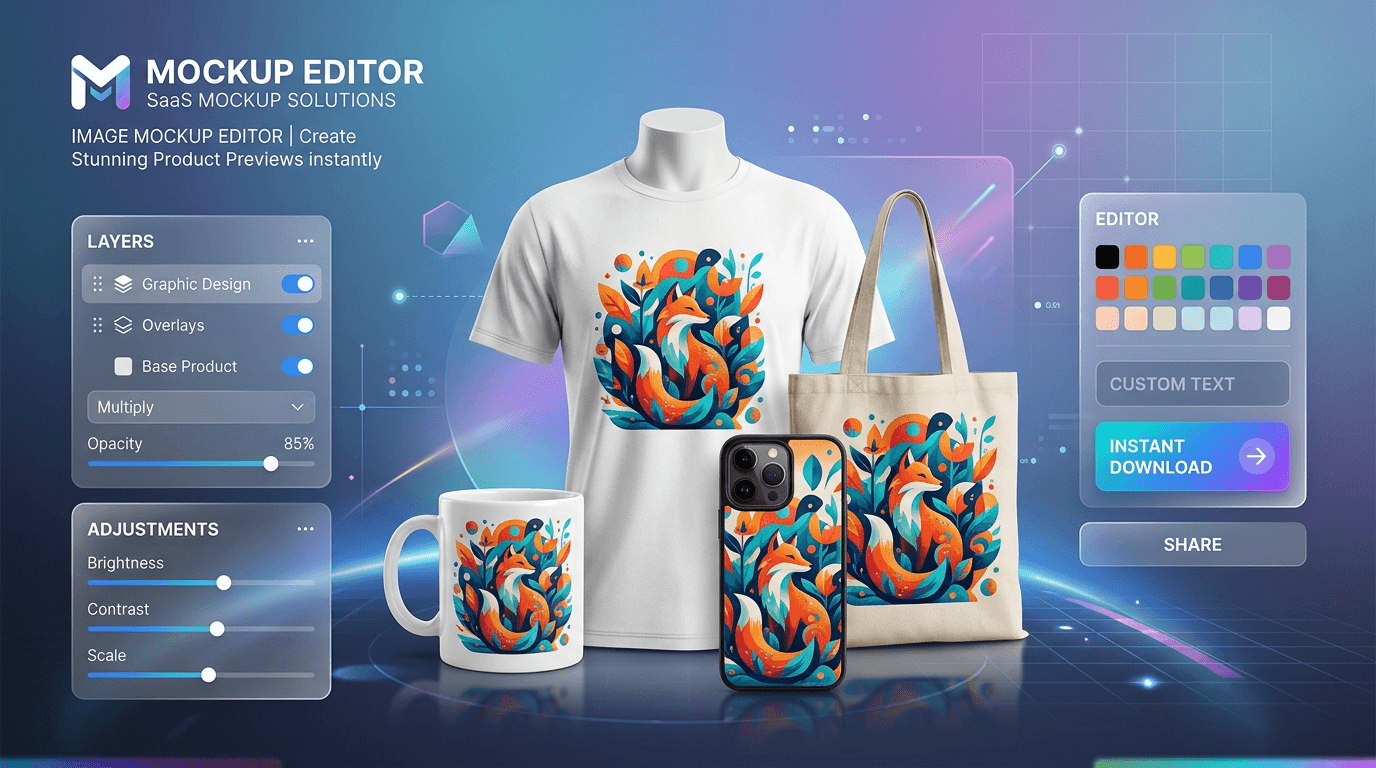
Learn how to create product mockups online for free without expensive software. Place your designs onto T-shirts, mugs, phone cases, and packaging with automated AI background removal and realistic layer blending—100% free with no watermarks.
Read article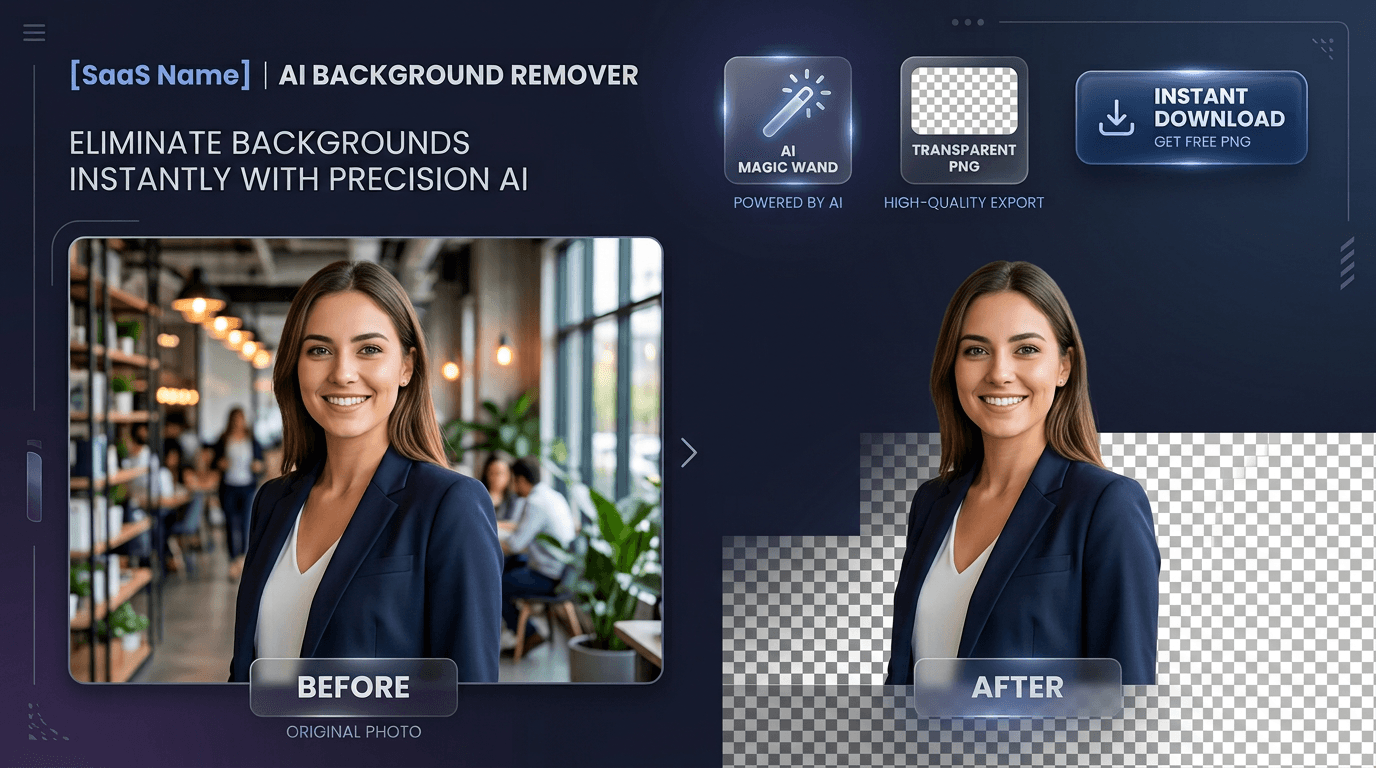
Learn how to edit PDF files online for free without expensive software or privacy risks. Add text, signatures, images, highlights, and redact confidential data 100% privately in your browser with zero file uploads and no watermarks
Read article





