Rotate Image
Image → Image
Rotate photos and graphics by 90, 180, or 270 degrees, or enter a custom angle to correct orientation and create new compositions.
Rotate photos and graphics by 90, 180, or 270 degrees, or enter a custom angle to correct orientation and create new compositions.
About this tool
Rotate Image is a free online image editor for correcting orientation and adjusting the angle of photos, scans, and graphics. Choose a preset rotation or enter a custom value, inspect the preview, and download the corrected image. The tool works in your browser so your files remain on your device.
Upload the photo, scan, or graphic you want to rotate.
Use a preset rotation or enter a custom angle in degrees.
Review the canvas and adjust the angle until the image looks right.
Save the rotated image to your device.
Correct sideways or upside-down photos with one click.
Straighten scans or create a deliberate tilted composition with a precise angle.
Rotate images locally without sending personal photos to a server.
No account, watermark, or desktop application is required.
Correct orientation and create better image compositions in seconds
Fix images captured sideways or with an unexpected camera orientation.
Example: Rotate a landscape photo 90 degrees before sharing it in a gallery.
Straighten or turn scans so pages are comfortable to read and archive.
Example: Rotate a scanned certificate to an upright portrait layout.
Tilt images and illustrations to add energy to posters and social designs.
Example: Apply a small custom angle to create a dynamic promotional graphic.
Correct the orientation of image assets before adding them to a project.
Example: Rotate several downloaded reference images before importing them into a presentation.
Handle quick personal and professional tasks without switching to specialized desktop software.
Example: Open the tool in a browser whenever you need a quick result from your laptop or tablet.
Add the tool to repeatable workflows for documents, media, presentations, and creative assignments.
Example: Use the tool as one step in preparing an asset for a report, class project, or client deliverable.
Get upright photos and clean custom-angle exports
Preset rotations preserve a clean rectangular orientation for most phone photos and scans.
A custom angle between one and five degrees is often enough to correct a slightly tilted scan.
Rotating at an arbitrary angle can leave transparent corners that are easiest to remove with a crop. Crop Image.
Retain the original file or input until you have checked and accepted the exported result.
Check the final output for errors, unexpected changes, or information that should not be published.
Reuse the same preferred options when processing a series of files for a consistent result.
Featured on
Trusted by millions worldwide
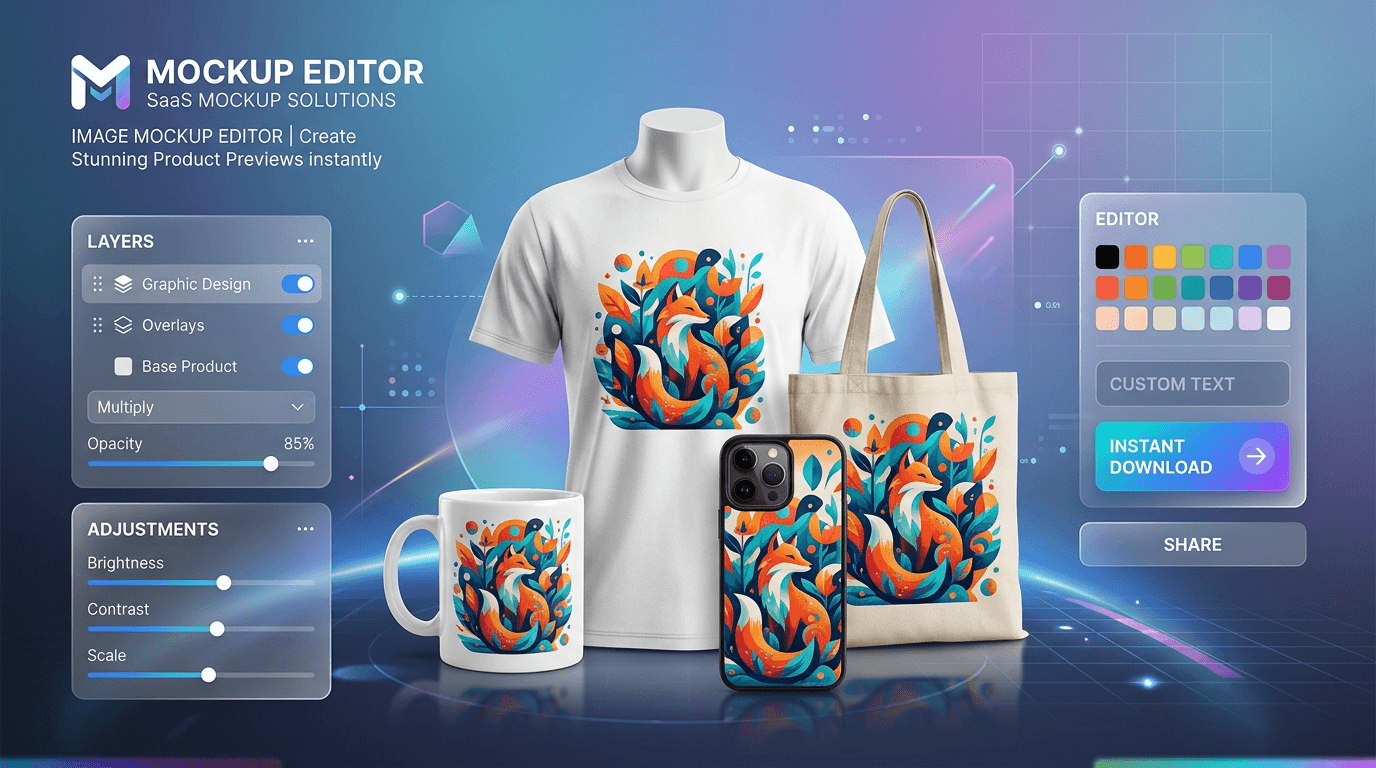
Learn how to create product mockups online for free without expensive software. Place your designs onto T-shirts, mugs, phone cases, and packaging with automated AI background removal and realistic layer blending—100% free with no watermarks.
Read article
Learn how to edit PDF files online for free without expensive software or privacy risks. Add text, signatures, images, highlights, and redact confidential data 100% privately in your browser with zero file uploads and no watermarks
Read articleA comprehensive breakdown of traditional image formats, their compression methods, and their ideal use cases on the web.
Read article





